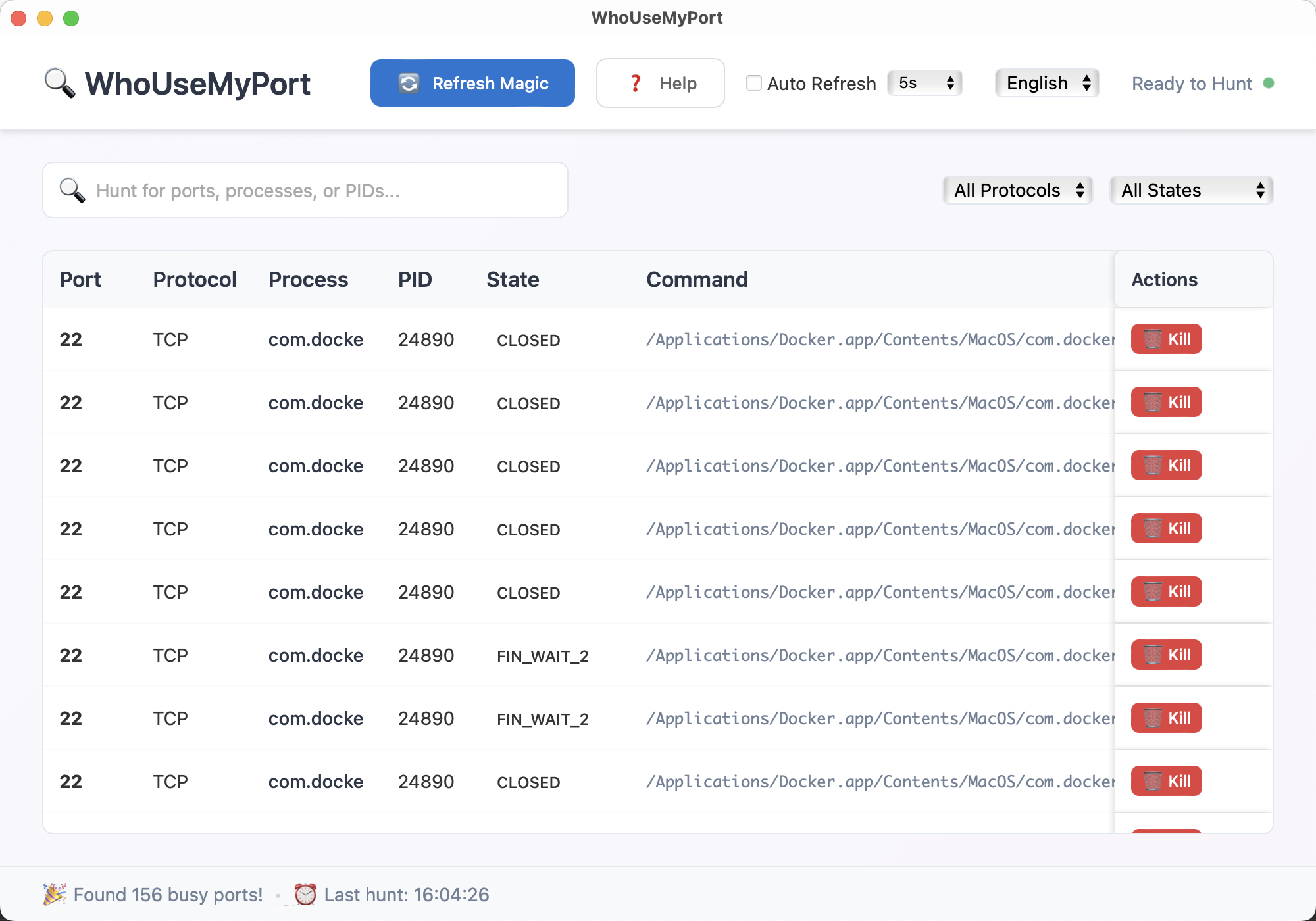
Monitor network ports, identify processes, and manage system resources with ease. The ultimate developer tool for Windows and Mac system administrators, DevOps engineers, and network professionals. Free port scanner software with real-time monitoring and process identification.
Everything you need for professional port scanning, network analysis, and system troubleshooting on Windows and Mac
Instantly scan and monitor all active network ports on your Windows or Mac system. Identify open ports, protocols, TCP/UDP connections, and connection states in real-time with our advanced port scanner software.
Identify which processes are using specific ports with detailed information including PID, process name, and command line arguments. Perfect for troubleshooting "port already in use" errors and network conflicts.
Filter ports by protocol (TCP/UDP), state, port range, and process name. Find exactly what you're looking for quickly.
Safely terminate processes that are occupying ports. Perfect for debugging and system administration tasks on Windows and Mac.
Full English and Chinese language support with seamless switching. Perfect for international development teams.
Clean, modern design optimized for productivity. Dark and light themes available for comfortable extended use.
Debug network applications, check if ports are in use, and identify conflicting services during development.
Monitor server ports, identify unauthorized services, and manage system resources efficiently.
Manage containerized applications, monitor microservices, and troubleshoot network connectivity issues.
Analyze network activity, identify suspicious connections, and perform security audits on Windows and Mac systems.
Free download for Windows 10+ and macOS 10.15+. Choose your platform below.